Everything where your hands expect it.
A dock at the bottom, the menus at the top, search on Command-Space. Every part of the RefyOS desktop is written for it, and behaves the way a Mac user expects.
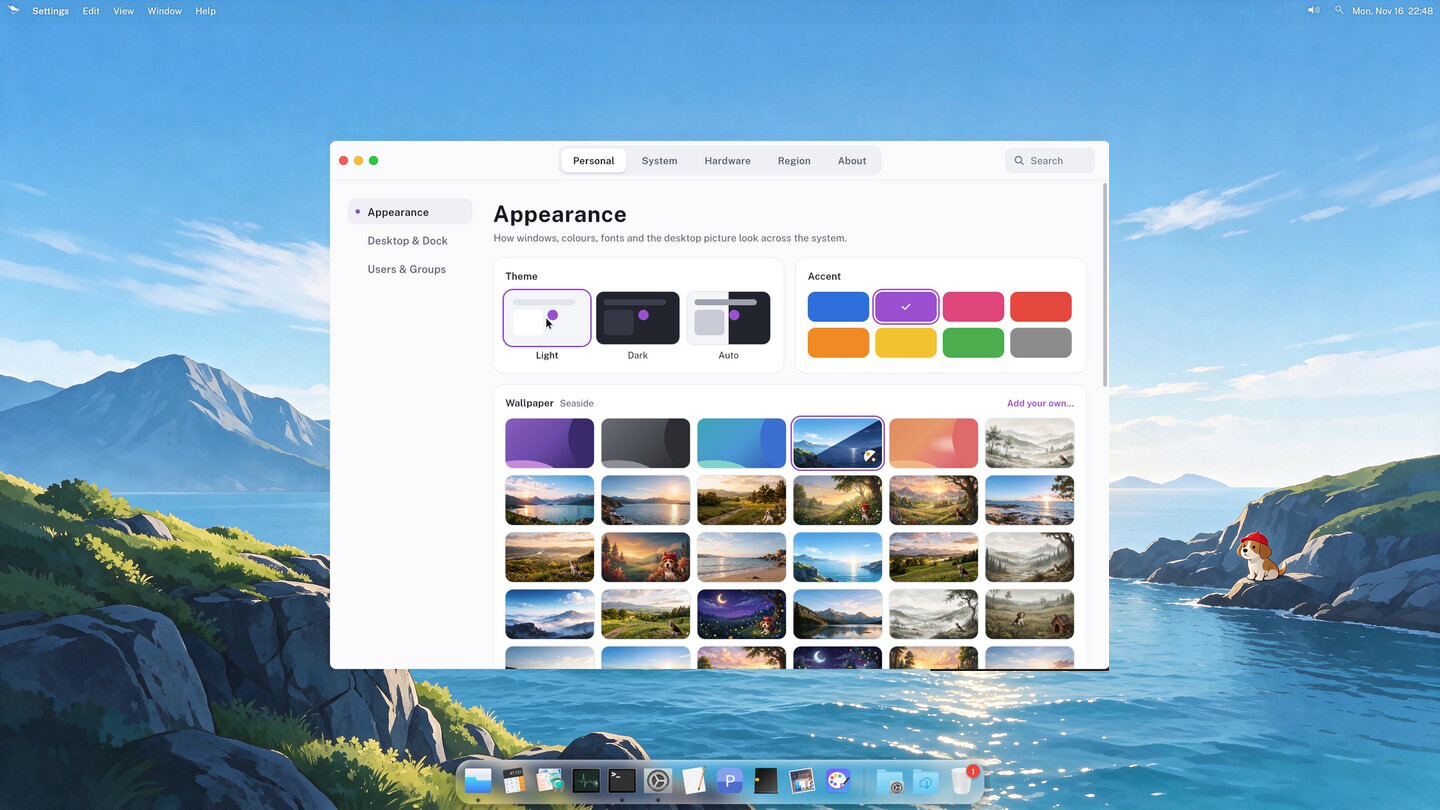
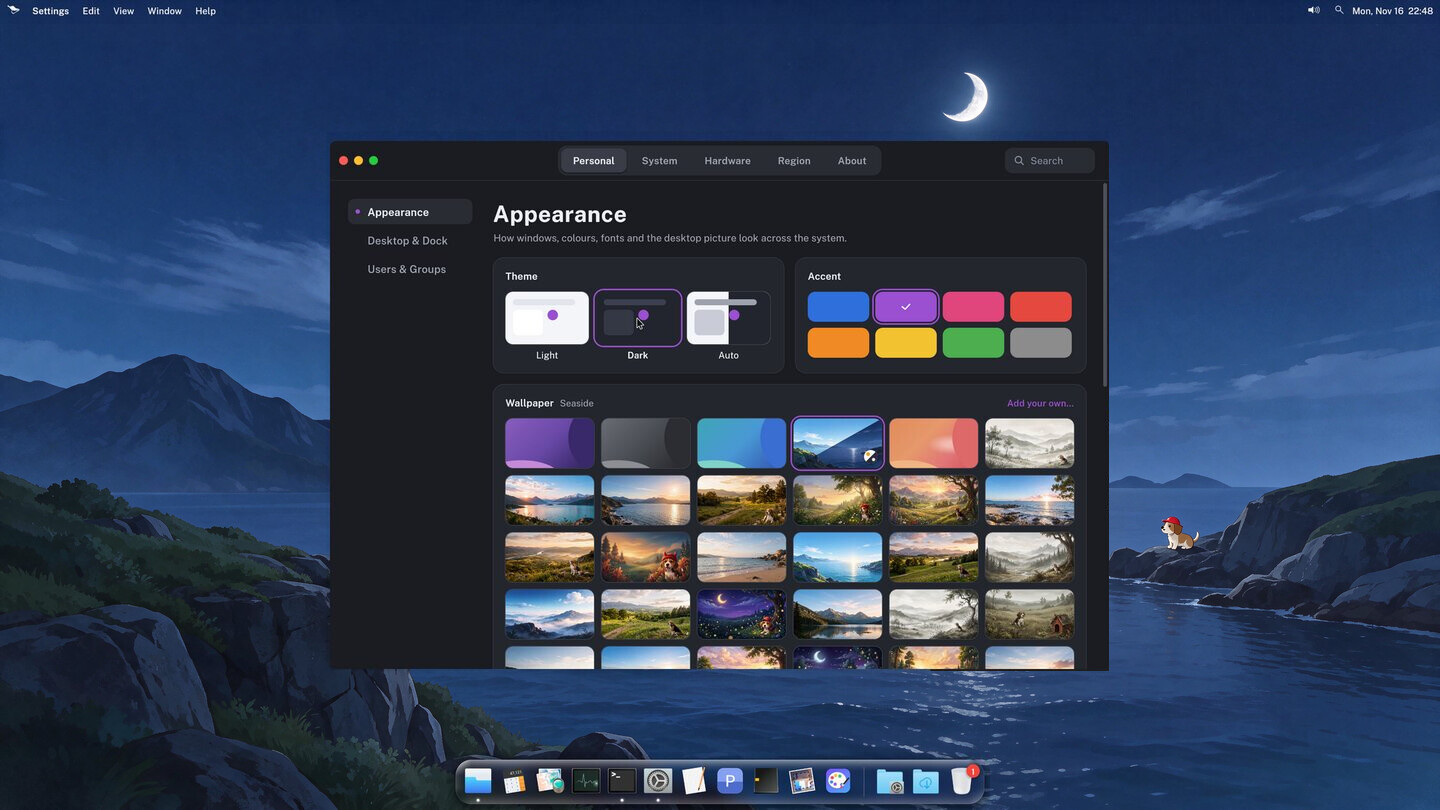
The Dock, made of glass.
Your apps, folders, disks and the Trash, on a glass bar that magnifies under the pointer.
- Running indicators and a click that brings an app's windows forward
- Stacks for folders, and files dragged onto an app to open them
- Command-Tab switches apps; H hides, Q quits, Shift goes back
- Icons follow the accent colour; the Trash shows when it's full
- The desktop picture on every screen, the Dock on the main one
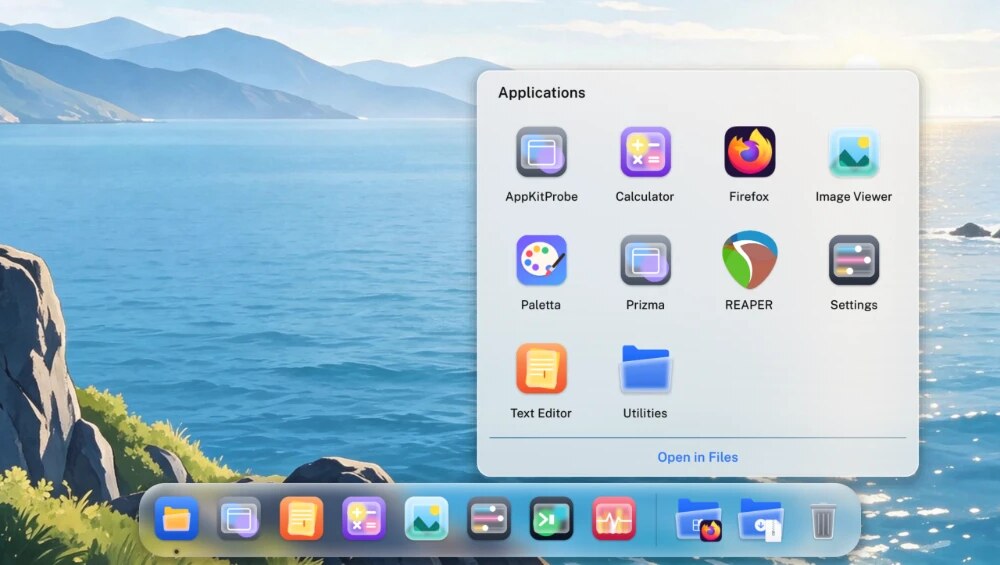
Find it before you finish typing.
Press Command-Space in any app. Lookout finds apps and folders, and gets out of the way when you're done.
- Opens and closes on Command-Space, whichever app is in front
- Closes on Escape, a click outside or an app switch
- Apps, and the folders your system knows about
Your files, on your desktop.
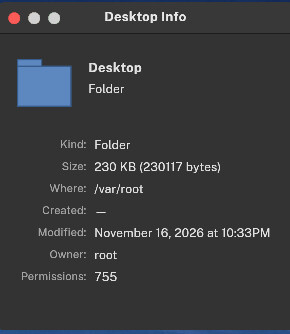
The desktop shows what's in your Desktop folder and the disks you plug in, as Finder keeps them.
- Rename, duplicate, Get Info, Open With, New Folder
- Select with a rubber band, move with the arrow keys
- Disks appear on the desktop; eject them from their menu
- The Trash, with Put Back
- Disk images (.dmg) open and mount as on a Mac
Windows that behave.
The details that make a desktop feel finished.
They remember
Apps open their windows where you left them. A new app starts in the middle; its next windows cascade.
Full screen and zoom
On the display the window is on, with the traffic lights where they belong.
Sheets and panels
Save and Open panels drop from the title bar, with Go to Folder and New Folder.
Hide and show
Hide an app or all the others; they come back as they were.
Restored after login
"Reopen windows when logging back in" brings your apps back.
Smooth on every screen
Windows draw once per display refresh, sharp at the scale of the screen they are on.
One window for everything.
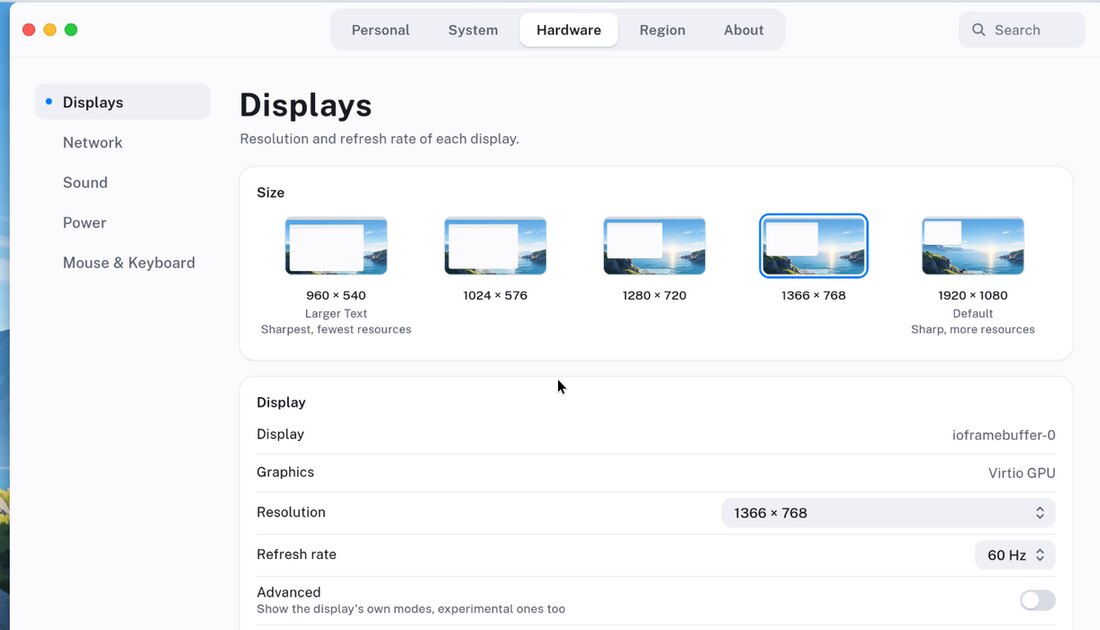
Tabs for Personal, System, Hardware, Region and About, with cards that say what each setting does.
- Appearance: theme, accent, wallpaper, fonts and the menu bar
- Displays: which size is sharpest, what it costs to draw, keep or revert
- Sound, Mouse & Keyboard, keyboard layouts
- Network and Wi-Fi, with remembered networks in order
- Date & Time with a searchable list of time zones
- Lock Screen and Users & Groups
Yours, and everyone else's.
Setup assistant
Creates the first account when RefyOS starts for the first time.
Login and lock
A login window with password hints, a lock screen, and automatic login if you want it.
Fast user switching
Several people logged in at once; only the one at the screen is heard.