A look of its own.
Our own typeface, our own icons, our own sounds, and a desktop that changes with the time of day. The artwork is made for RefyOS.
Light by day. Dark by night.
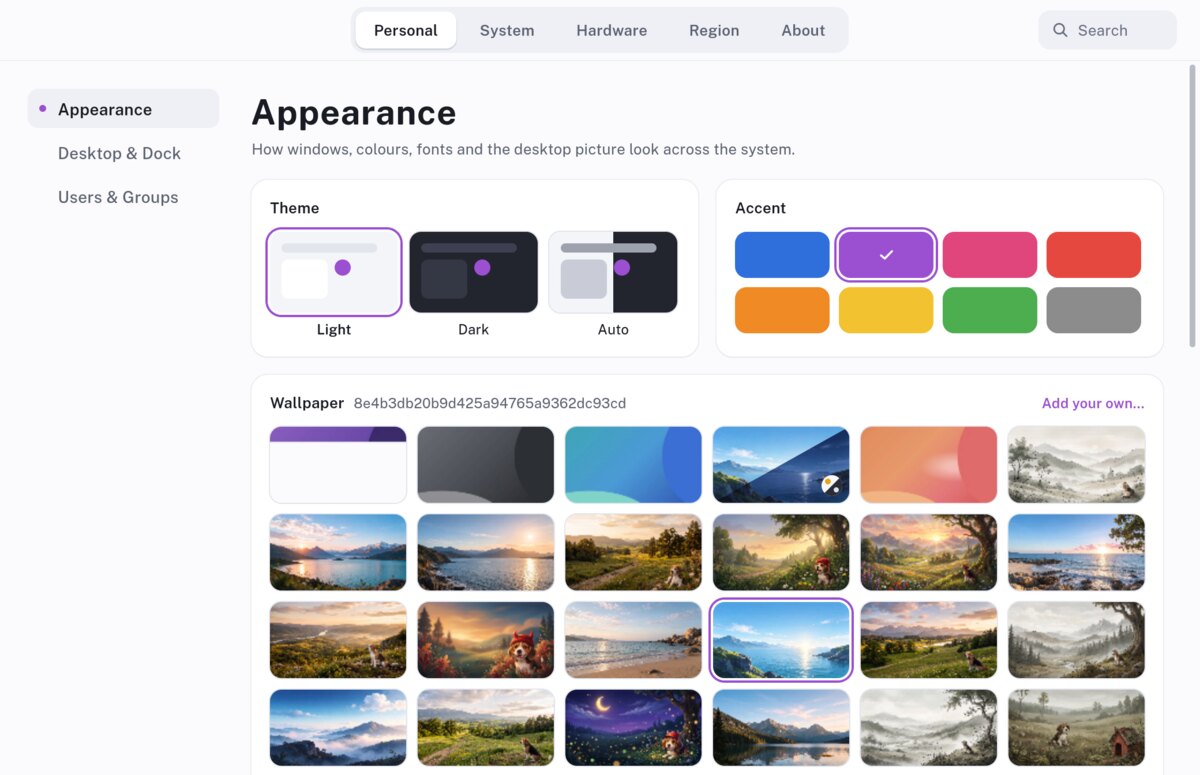
Choose Light or Dark, or let Auto turn the desktop at its hour. Windows, panels, the menu bar and the wallpaper change together.
- Auto turns at the hours you set and keeps the menu bar in step
- Save and Open panels, sheets and alerts in both appearances
- The insertion point and text take the appearance's colours
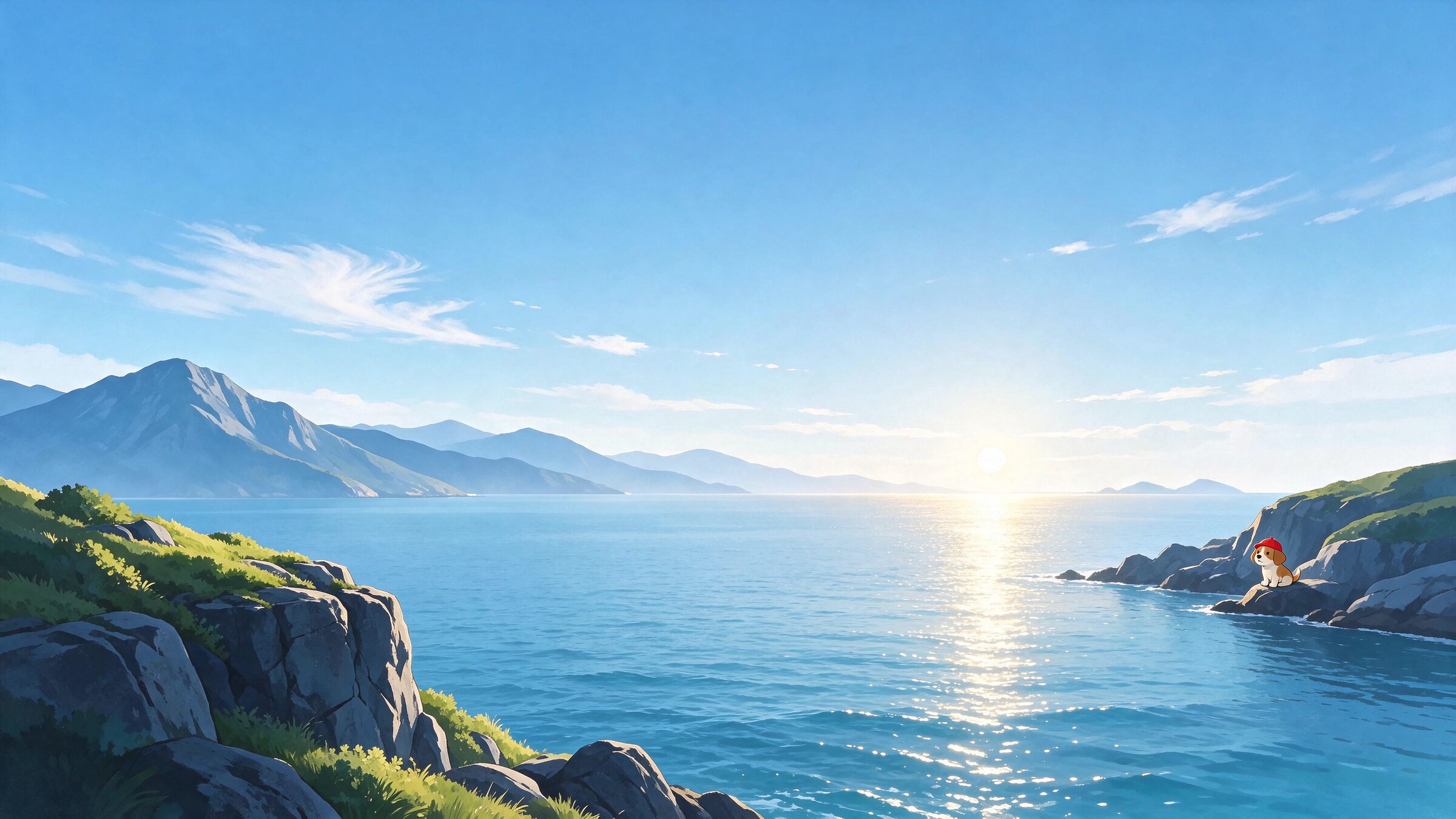
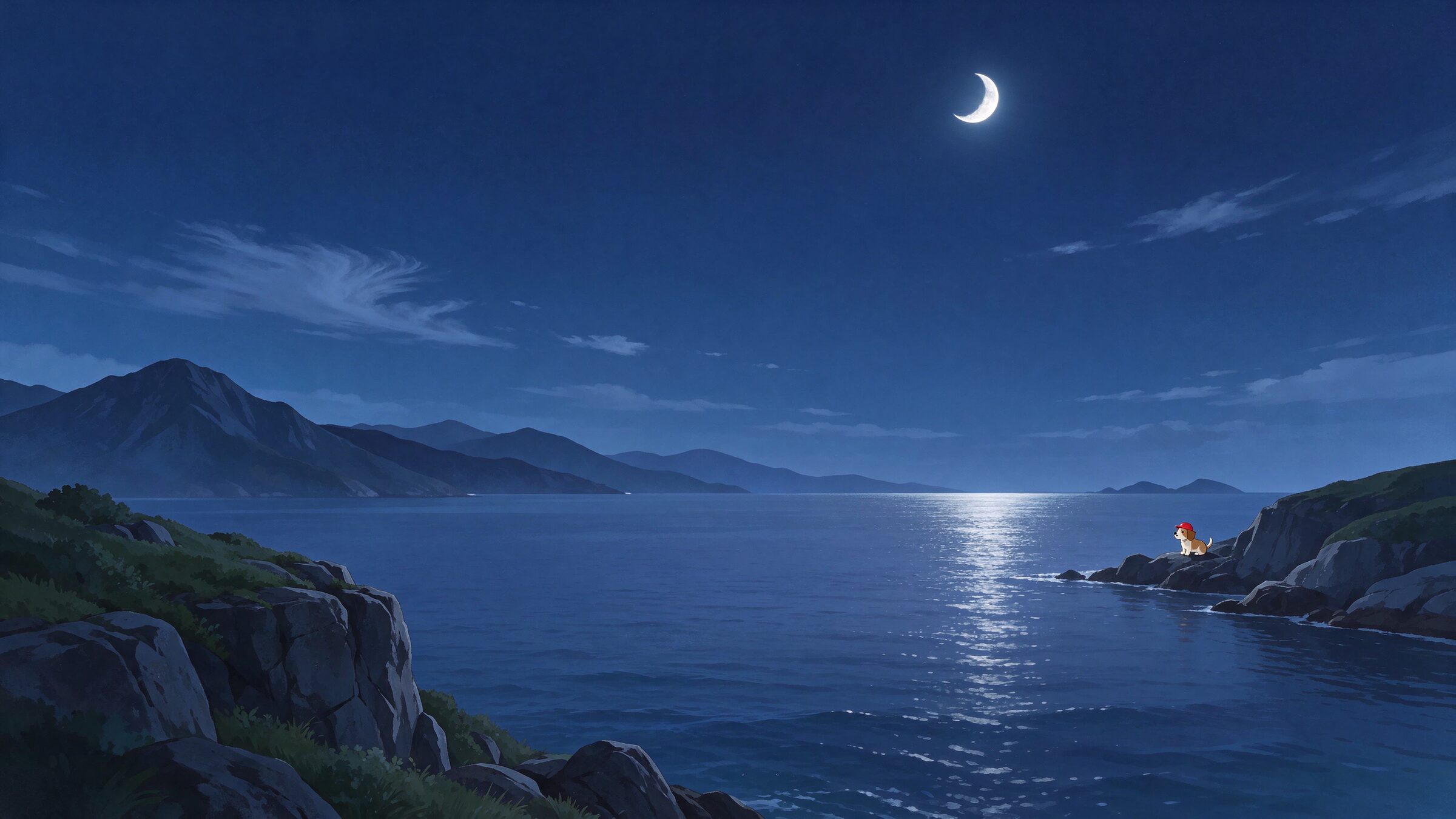
Seaside
The default pair, by day and by night.
Your colour, everywhere.
Pick an accent in Settings. Selections, switches, buttons and even the folders take it on.
Sima Sans.
Our own system typeface: a variable font from Thin to Black, with wider spacing and softened corners for the screen. Drag the slider; this page is set in it too.
abcdefghijklmnopqrstuvwxyz 0123456789 &?!
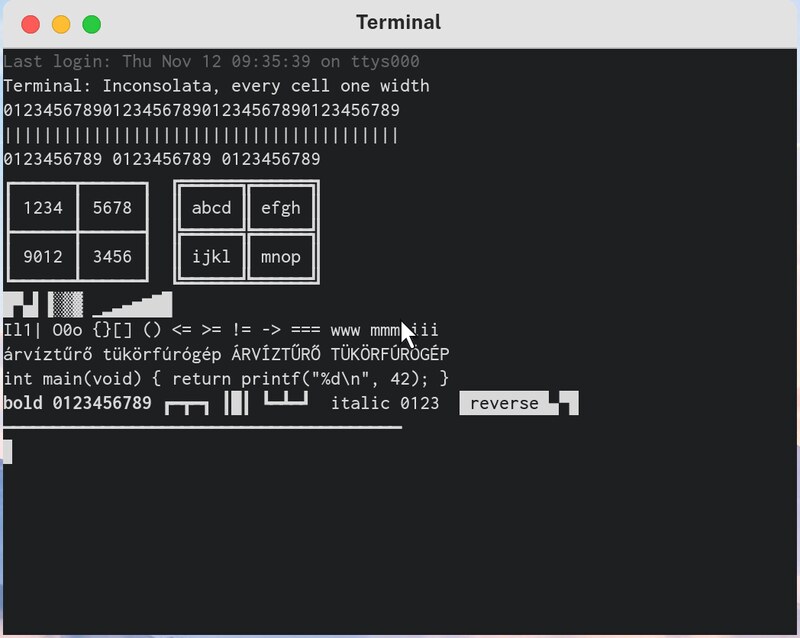
Sima Sans is derived from Public Sans and released under the SIL Open Font License 1.1. Inconsolata is the fixed-pitch system font.
Crisp at every size.
Text is drawn for the screen it is on. Automatic picks the best mode for the display's scale; you can choose too.
- Balanced or like a Mac, switched live in Settings
- Stem darkening for thin strokes on low-resolution screens
- Variable fonts measured and drawn at their exact weight
- Inconsolata in Terminal and Text Editor, every cell one width
Drawn and tuned for RefyOS.
App icons
Our own set in a glass style, for the built-in apps and as the generic icon.
Folders and files
A saturated back with a frosted front, in your accent colour; drives for internal, external and removable disks.
System sounds
Our own alert sounds, synthesised from scratch, with the alert volume in Settings.
Pictures that know the time.
Mark a wallpaper for the light or the dark appearance, or use a pair: one scene by day and by night.
- A collection of our own pictures, and your own added in Settings
- Pairs switch with Auto, at the same hour as the windows
- Every display shows the desktop picture