Real Mac apps, unmodified.
Several programs already run on RefyOS from their original, unmodified macOS binaries, among them REAPER and Firefox. No recompiling, no patching: the same app you download for a Mac.
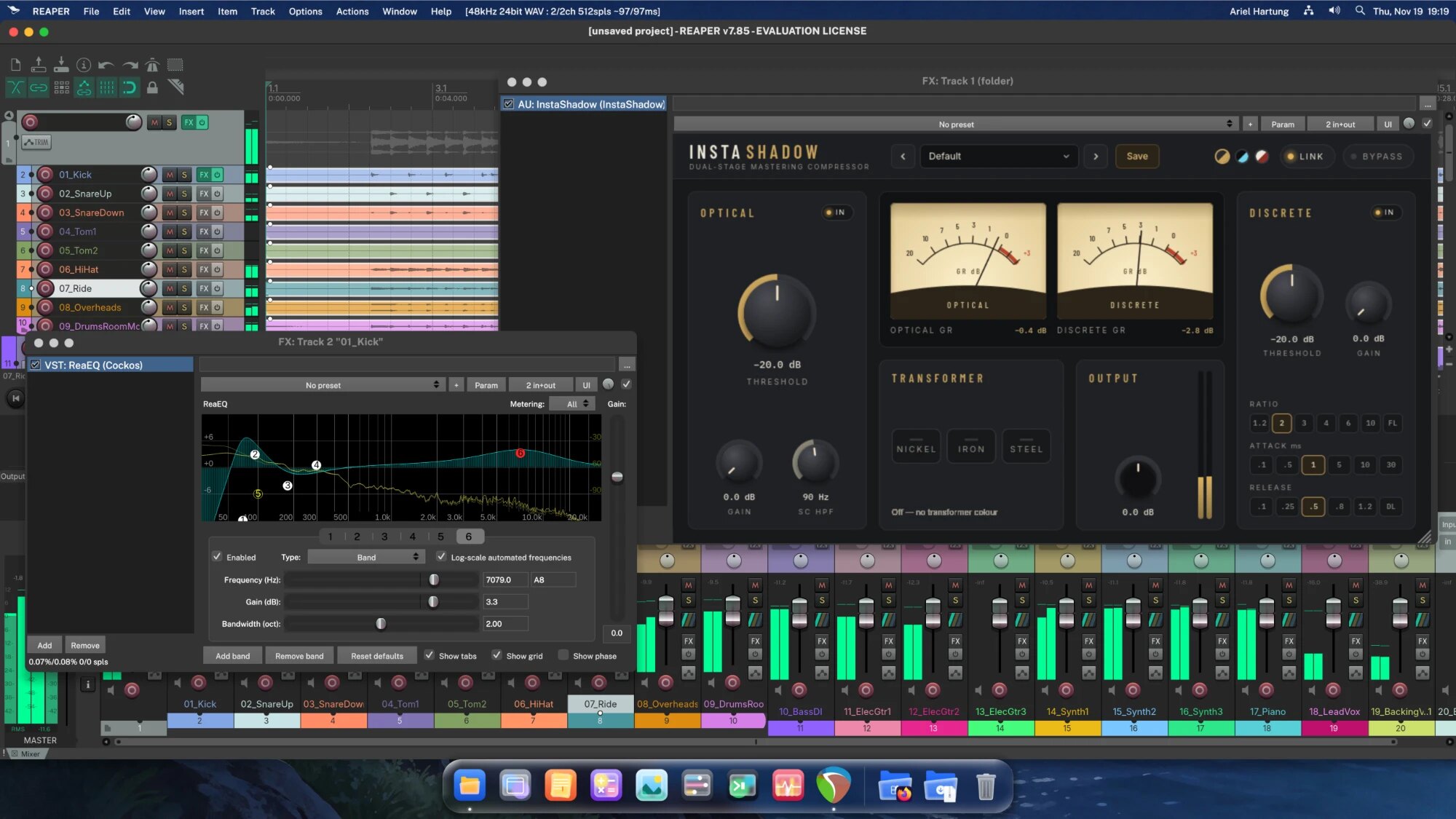
REAPER
The digital audio workstation, from its Mac download, playing a 20-track project through VST and Audio Unit plugins, on CoreAudio.
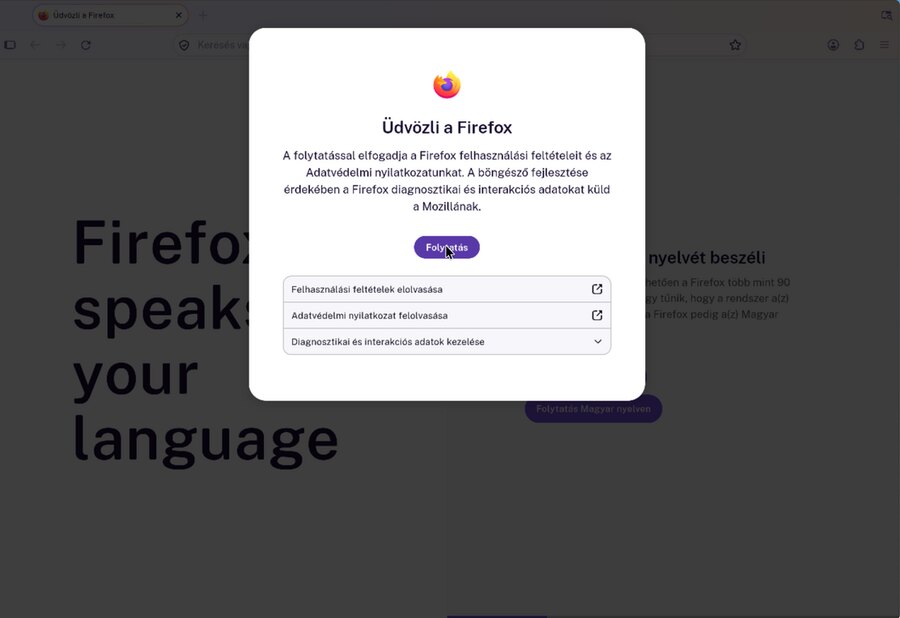
Firefox
The web browser, with its menus in the global menu bar and the system's fonts.
And more, every release.
We bring apps up one by one and fix the system, not the app: what one app needs, the next one gets for free.
The frameworksREAPER is a trademark of Cockos Incorporated, Firefox a trademark of the Mozilla Foundation. RefyOS is not affiliated with either.
The macOS APIs apps expect.
The frameworks are rebuilt from source and corrected, call by call, until they answer the way macOS does.
AppKit
Menus, pop-ups, tables, sheets, alerts, documents with undo and autosave, the text system with RTF, the find bar, SVG images.
Text
CoreText with variable fonts and bidirectional text, NSFont and CTFont as one.
Audio
CoreAudio's HAL, Audio Units v2 hosting, audio files read and converted.
The essentials, included.
- Finder: the desktop, windows, disks and the Trash
- Settings: one window for the whole system
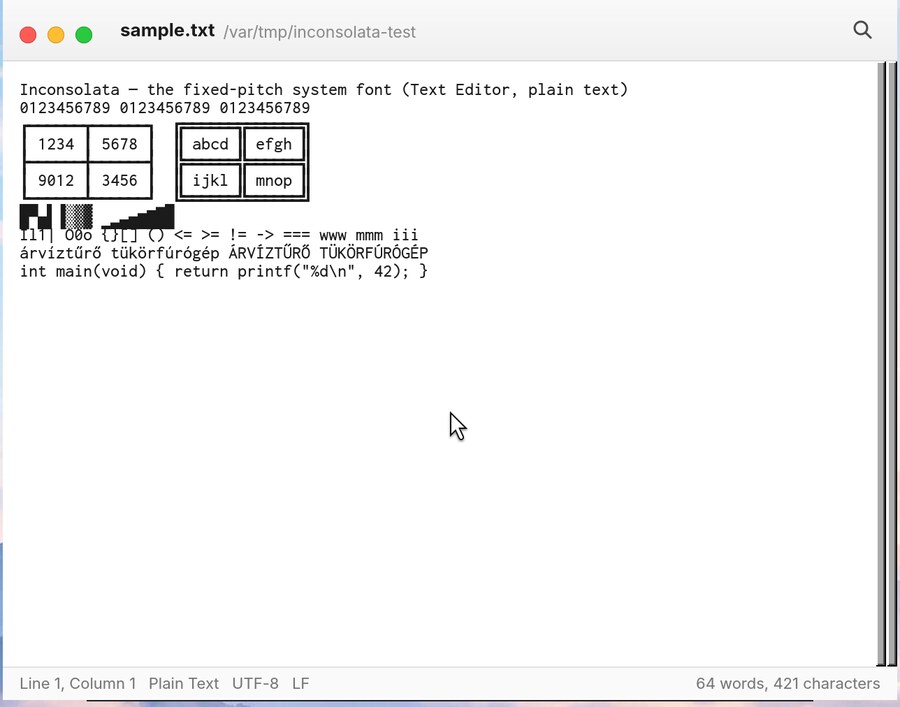
- Text Editor: plain and rich text, encodings, line endings, find, Markdown
- Terminal: zsh with UTF-8, in Inconsolata
- Calculator, Image Viewer, Disks, Logs, Screenshot
Build on the machine you run.
The Command Line Tools are part of the image: compile, link and debug Darwin programs right on RefyOS.
- clang, ld64 and cctools, compiler-rt, dsymutil, bmake
- defaults, systemsetup, hdiutil, afplay with the macOS options
- zsh as the login shell